VR · Meta Quest
Play RixoBall in VR on Meta Quest free, in the browser
No store, no install: RixoBall runs in the Meta Quest browser with WebXR. Your controller becomes the racket, and the ball flies at you in full 3D.
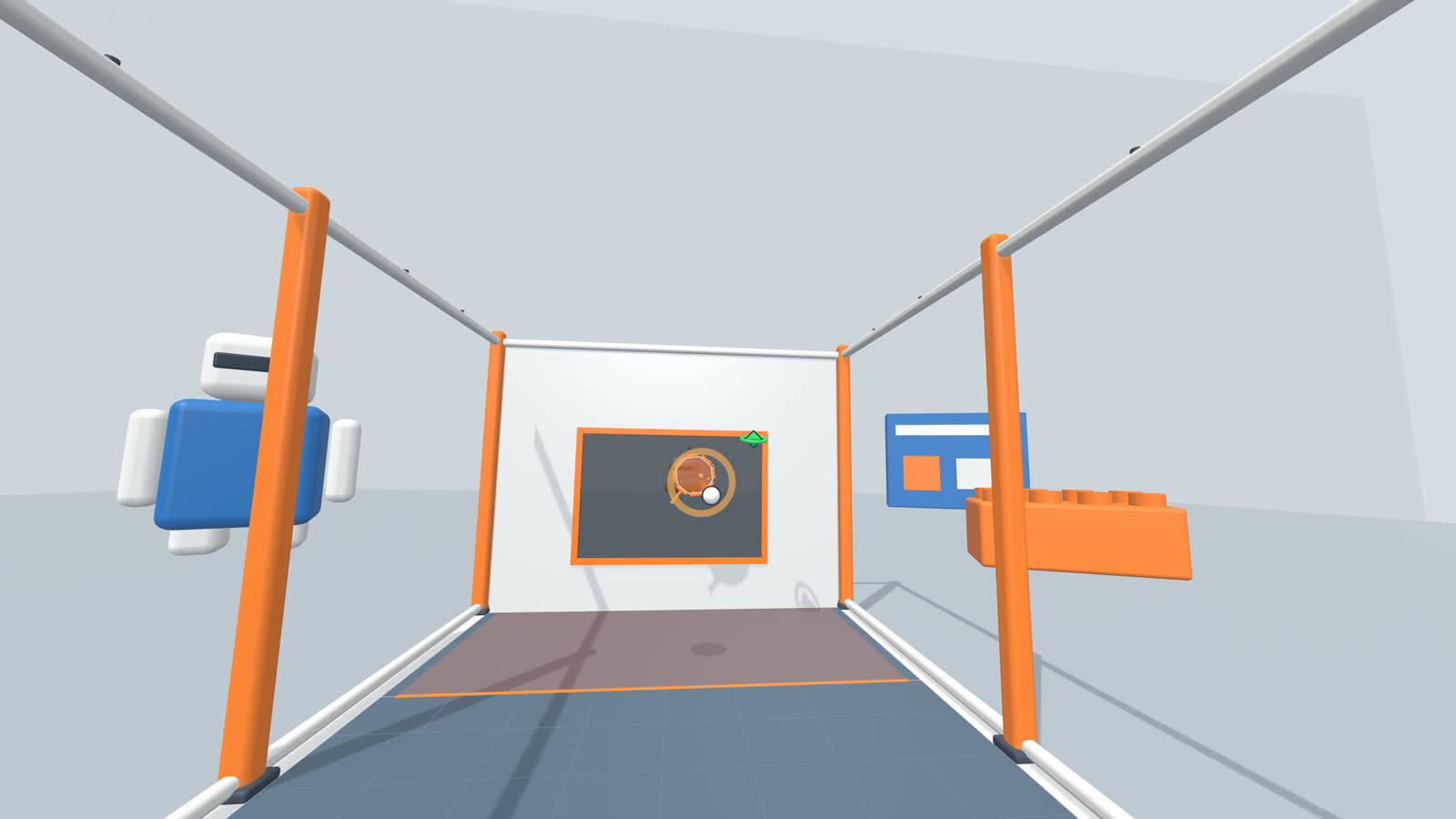

How to start
- Put on your Quest 2, Quest 3 or Quest Pro and open the Meta Quest Browser.
- Go to rixoball.com/play/.
- Press Play in VR in the main menu and allow the immersive session.
- Pick a mode with the laser pointer and pull the trigger to select.
Controls
| Action | Button |
|---|---|
| Swing the racket | Move the controller in your racket hand |
| Serve | Trigger on the racket hand |
| Use a power-up | Trigger on the other hand, grip, or A / X |
| Pause / back | B / Y |
Left-handed? Switch Racket hand in Settings.
Modes in VR
Every mode works in VR: matches against the bot, Arcade, Training and Online Duel — your friend can even join from a regular computer while you play in the headset.
Good to know
- Play in a clear space: you will reach and swing.
- The menu floats in front of you as a panel; point the laser and pull the trigger. Arenas and themes are picture cards, so you see what you pick.
- The score hangs above the arena. Six worlds to choose from in Settings → Appearance; all of them run at the Quest’s full frame rate.
- The controller vibrates on every hit.